Update menu items and prices remotely
Publish revised menu artwork from the Vuubl dashboard when a price changes, an item sells out, or a seasonal dish becomes available—without visiting every display.
Built for your business
Schedule breakfast, lunch, dinner, and specials in advance. Update menu content remotely and keep every restaurant screen coordinated from one simple dashboard.
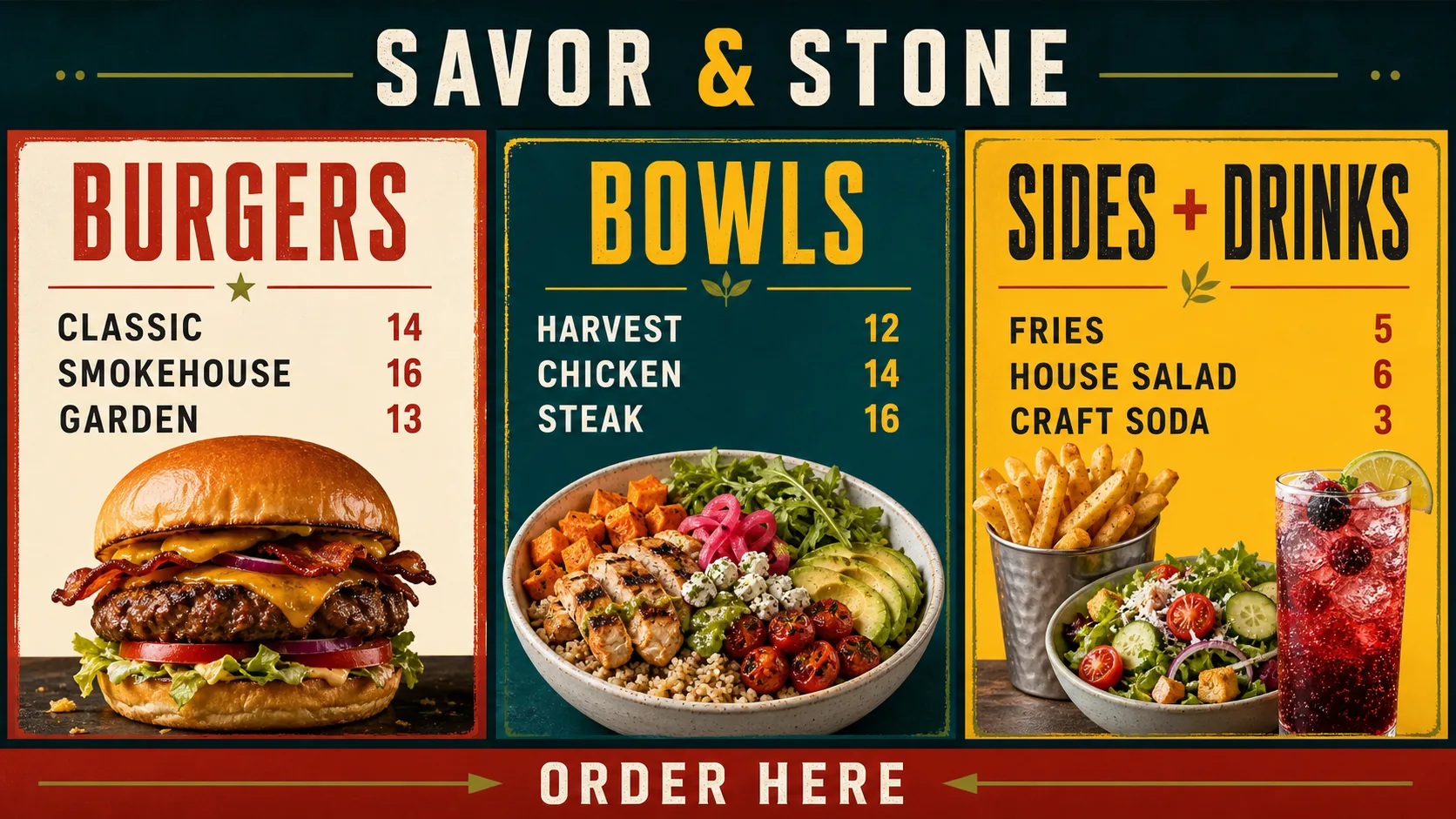
Restaurant digital menu board software gives operators one place to schedule dayparts, publish remote menu-price updates, and coordinate the content guests see across every display.
Publish revised menu artwork from the Vuubl dashboard when a price changes, an item sells out, or a seasonal dish becomes available—without visiting every display.
Use menu board scheduling to prepare breakfast, lunch, dinner, happy-hour, and late-night menus in advance so the right content appears at the right time.
Use supporting screens or layout zones to feature limited-time dishes, beverages, desserts, sides, upgrades, and other offers alongside the primary menu.
Manage complementary menu categories and promotions across screens at the counter, pickup area, entrance, bar, or dining room from one workspace.
Digital menu boards for restaurants let teams reuse their displays when prices, availability, and promotions change instead of producing a new printed board each time.
Previously synchronized images, videos, playlists, and layouts remain cached on the player so restaurant digital signage can continue during a temporary internet interruption.
Planning your first menu? Follow the complete how to create a restaurant digital menu board guide.
Use a bold lunch menu during the midday rush, a refined dinner presentation in the evening, and focused promotions between service periods. Vuubl schedules when each design appears.
See how scheduling works →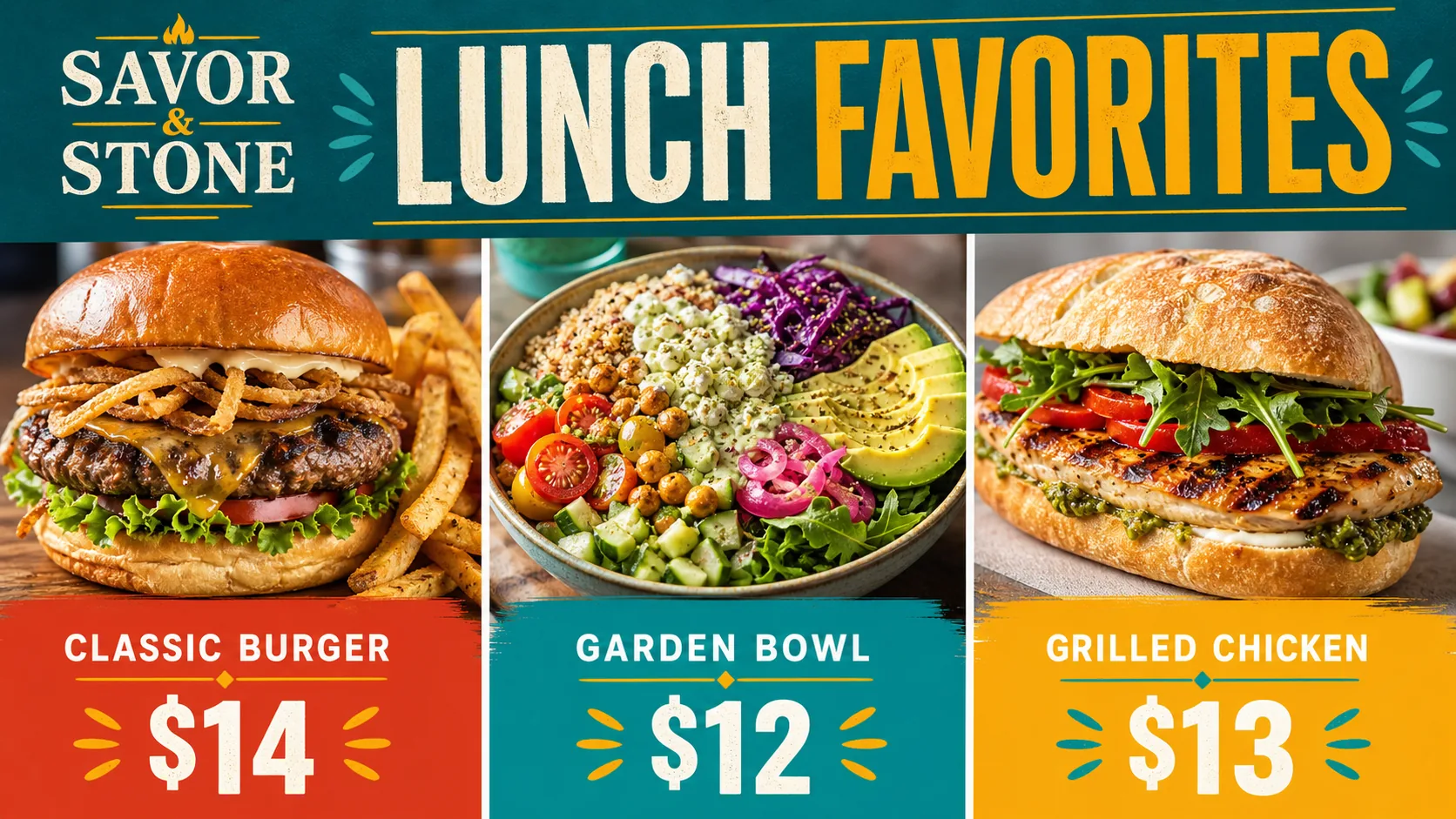
Use Vuubl throughout the restaurant for the content guests need before, during, and after ordering.
Present categories, featured dishes, prices, and ordering information in layouts designed to be read quickly from a distance.
Give limited-time dishes, holiday menus, and chef specials a dedicated visual moment without redesigning the entire menu.
Use supporting screens or layout zones to feature beverages, desserts, sides, upgrades, and other relevant additions.
Display pickup guidance, operating updates, event announcements, or other information alongside menu content.
A restaurant digital menu board is a TV or display used to present menu items, prices, specials, images, and videos. Its content can be updated through digital signage software instead of replacing printed boards.
Yes. You can schedule different content for specific dates and times, allowing breakfast, lunch, dinner, happy-hour, and other menus to change automatically.
Yes. Upload the revised menu creative or update the assigned content in the Vuubl dashboard, then publish it to the appropriate restaurant screens.
Yes. Screens can receive different playlists, layouts, or scheduled content, making it possible to separate food categories, beverages, specials, and pickup information.
You need a compatible TV or display and either a supported modern web browser or an Android TV device running the Vuubl app.
Previously synchronized content remains cached by the player and can continue displaying during a temporary internet interruption.
Vuubl starts at $5 per screen each month, or $4 per screen per month when billed annually. The first screen is free for 30 days.
Start with one restaurant screen free for 30 days, then add more menu boards when you are ready.
Start Your Free TrialOne screen free for 30 days · No credit card required