Schedule promotions throughout the day
Move from breakfast offers to afternoon specials and evening promotions automatically with schedules you configure in advance.
Built for your business
Schedule food-service menus, promote timely offers, and update screens across your stores without reprinting signs or visiting every display.
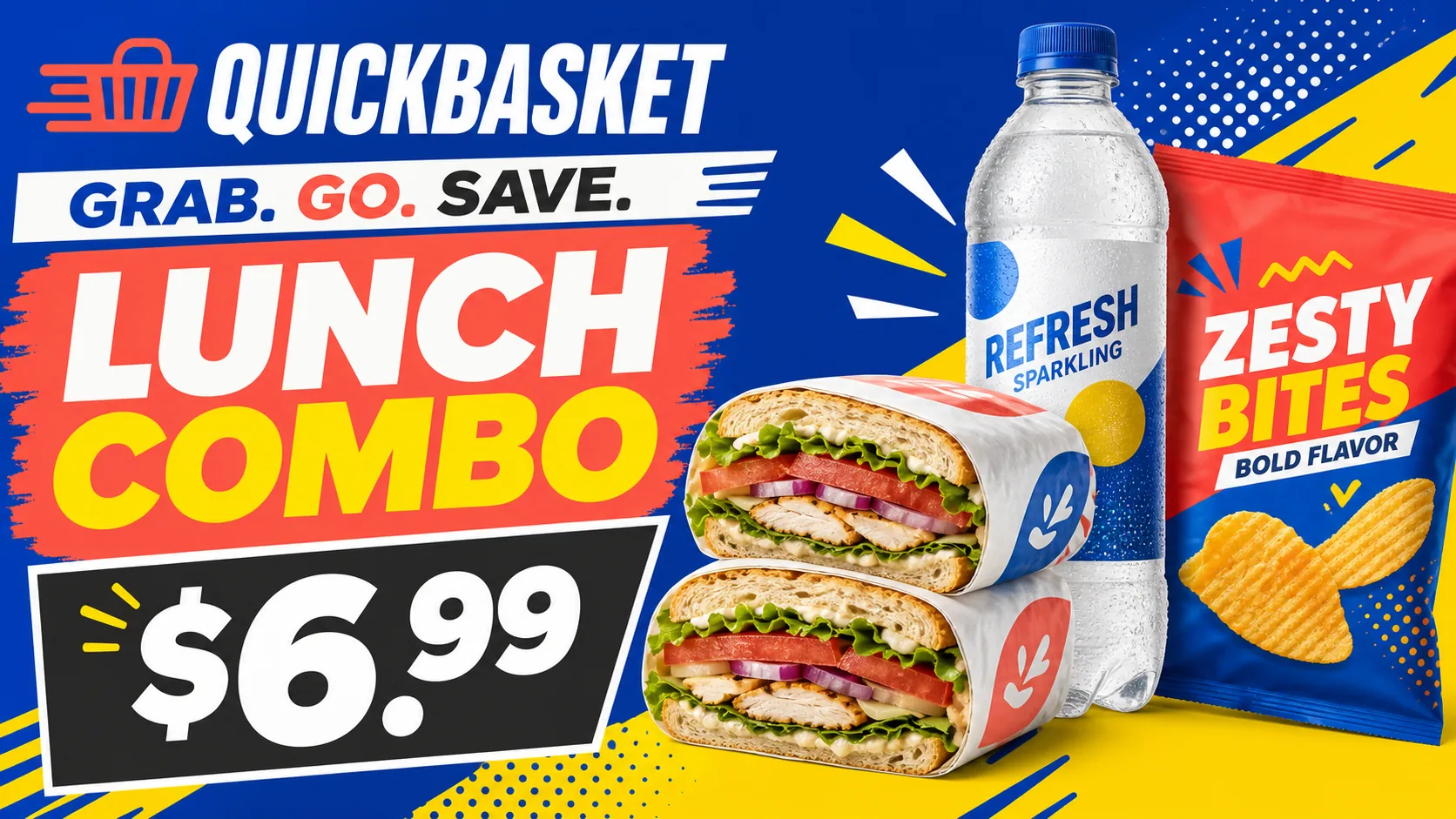
Convenience-store content changes quickly. Vuubl helps your team prepare those changes once and deliver them to the right screens at the right time.
Move from breakfast offers to afternoon specials and evening promotions automatically with schedules you configure in advance.
Replace outdated promotions and menu content remotely instead of printing new material or visiting every display with a USB drive.
Organize screens and publish the right content to checkout areas, food-service counters, entrances, and other customer touchpoints.
Previously synchronized media stays cached on the player during temporary Wi-Fi interruptions so screens do not immediately go blank.
Looking for practical examples? Read the complete convenience store digital signage ideas guide.
Need the setup steps? Follow the digital signage playlist and scheduling guide.
Want help testing your first screen? Ask about the founding customer pilot →
Coordinate entrance promotions, food-service menus, checkout offers, and store announcements from the same dashboard instead of managing each display separately.
See how Vuubl works →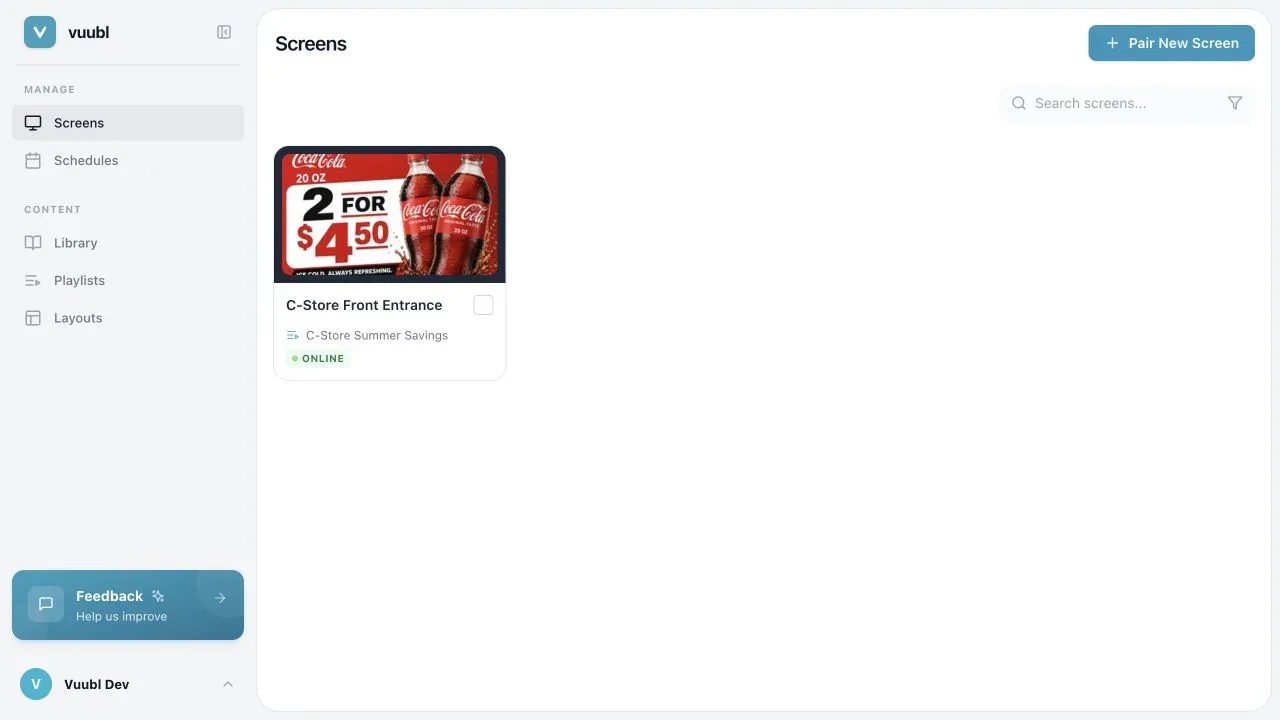
Use the same platform for sales-focused content and everyday communication throughout the store.
Present prepared food, coffee, fountain drinks, and other offers in layouts that are easy for customers to scan.
Feature seasonal items, bundles, loyalty messages, and time-sensitive offers where customers make purchasing decisions.
Share operating updates, community messages, safety information, and other timely notices across selected screens.
Combine a main promotion with supporting announcements, menus, or other content in one coordinated screen layout.
Convenience stores can display food-service menus, beverage offers, limited-time promotions, loyalty messaging, operating updates, safety notices, and other image or video content.
Yes. Vuubl schedules can change the content assigned to a screen based on dates and times, making it possible to prepare breakfast, afternoon, and evening messaging in advance.
Yes. Screens and their assigned content are managed remotely through the Vuubl dashboard, allowing operators to update more than one location without visiting every display.
Previously synchronized content is cached locally by the player and can continue playing during a temporary internet interruption.
A store needs a compatible screen and either a supported modern web browser or an Android TV device running the Vuubl app.
Vuubl starts at $5 per screen each month, or $4 per screen per month when billed annually. The first screen is free for 30 days.
Start with one convenience-store screen free for 30 days, then expand when you are ready.
Start Your Free TrialOne screen free for 30 days · No credit card required